

The Breaking Point: When the Theme Fought Back
I stared at the screen for three hours.
The client—Love Yoga, a wellness studio in Singapore—wanted a homepage that felt like Kinfolk magazine. Asymmetric. Breathing room. Images bleeding off edges, text floating in intentional white space.
But their WordPress theme (a premium “flexible” builder, mind you) kept snapping everything back into 12-column grids. Every time I dragged an image to the right edge, the theme “corrected” me. Every time I tried to overlap text on a photo, the container rejected it.
I wasn’t designing. I was negotiating with a grid.
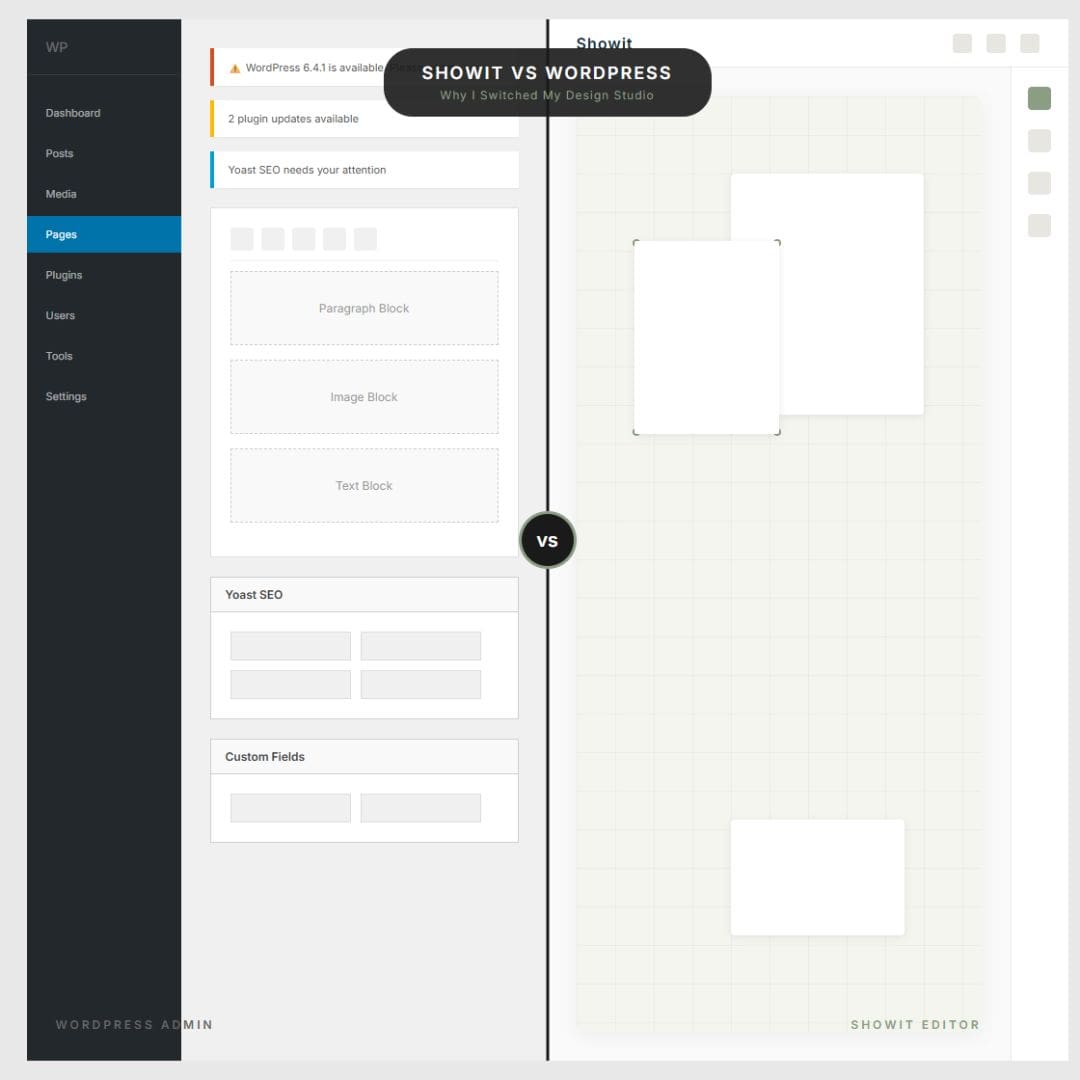
That was the moment I realized: Showit vs WordPress isn’t just about features. It’s about philosophy. WordPress asks, “Which box do you want?” Showit asks, “What do you see?”
The 6 Pain Points That Broke Me (Grouped by Category)
After migrating Love Yoga—and later rebuilding The Nail Bar’s service pages from the ground up—I’ve identified six specific limitations that make WordPress the wrong tool for editorial, brand-first businesses.
Design Prison: When “Flexible” Themes Aren’t
The Rigid Grid System
WordPress builders (Divi, Elementor, even Gutenberg) operate on invisible rails. Want a 45/55 image split instead of 50/50? Want text to float 60px from the left edge instead of aligned to a column? The theme autocorrects you like design spell-check.
For Love Yoga, I needed the hero image to bleed 10% off the right edge of the screen—a classic editorial technique. WordPress required custom CSS. Showit required one drag.
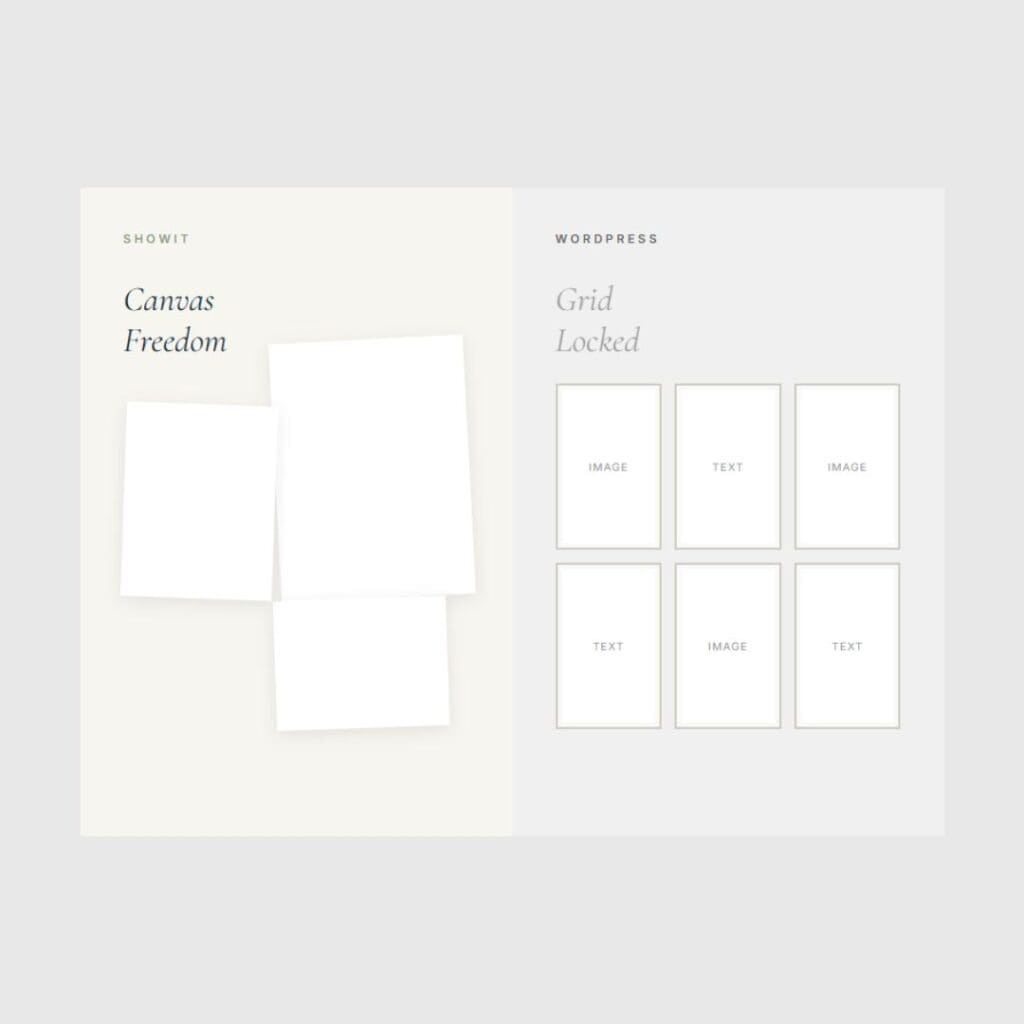
Container Mentality vs. Canvas Freedom
WordPress thinks in boxes: Header box. Content box. Sidebar box. You work inside constraints.
Showit operates like InDesign or Figma—a true canvas where elements layer, overlap, and float. When I rebuilt The Nail Bar’s services page, I could place a price list over a background texture, with a testimonial card floating above that. Three layers. Zero plugins.
Animations as Afterthoughts
WordPress animations (when they work) are basic: fade in, slide up, done. To get parallax or scroll-triggered reveals, you’re installing yet another plugin.
Showit builds motion into the canvas. For wellness and beauty brands—where “flow” is literally the product—this matters. The difference between a site that “snaps” and one that “breathes” is the difference between a template and a brand experience.
The Plugin Trap: Technical Debt by Design
The Update Anxiety
You know the red dots. WordPress core updates. Theme updates. Plugin updates. Ignore them, and your site breaks or gets hacked. Update them, and your site still breaks because Plugin A no longer talks to Plugin B.
I was spending 2-4 hours monthly—billable hours—just maintaining sites instead of designing them.
The Paid Plugin Treadmill
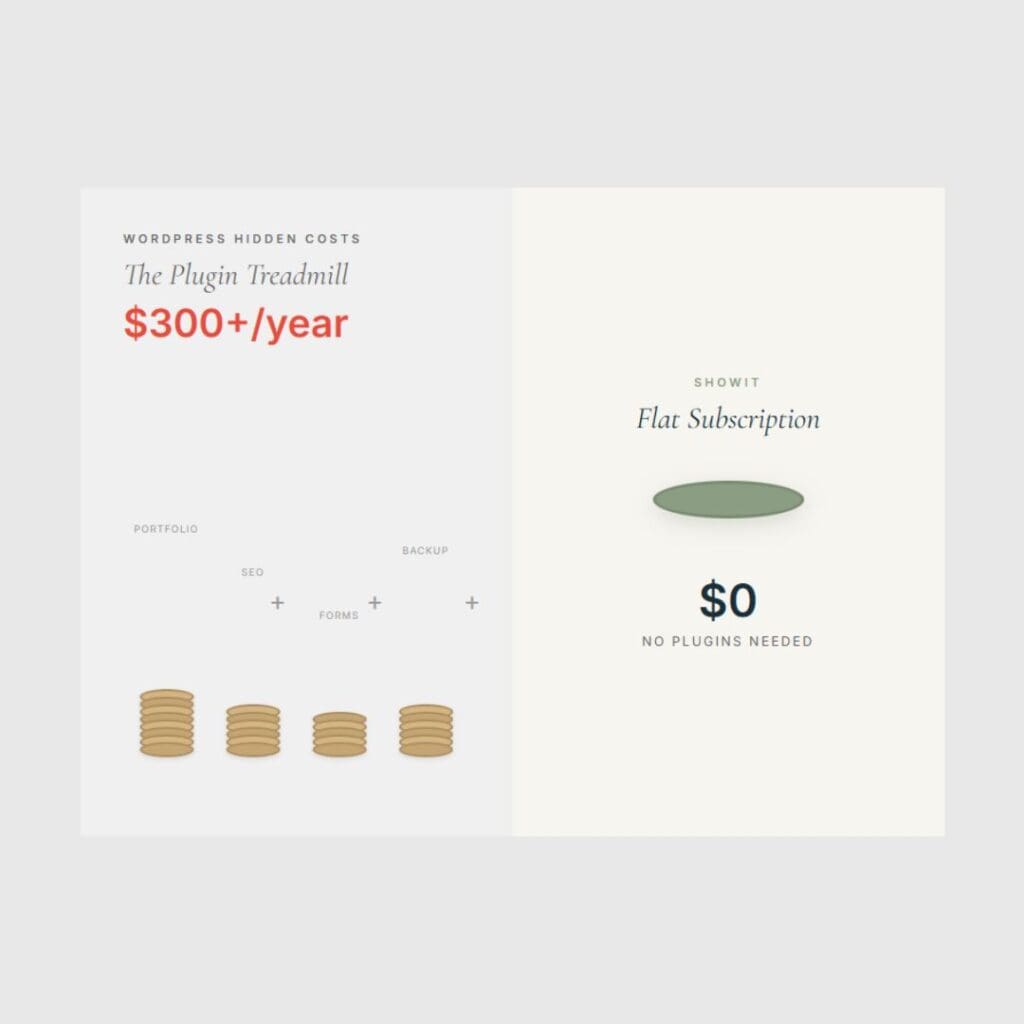
Want a portfolio grid that doesn’t look terrible? $49/year. Custom fonts that actually load? $29/year. Pop-ups that don’t crash mobile? $89/year.
By year two, my clients were paying $300+ annually just for “basic” functionality that Showit includes natively. Showit vs WordPress cost comparison isn’t just subscription price—it’s the hidden plugin tax.
Mobile Afterthought: The Responsive Lie
Stacked Order Hell
WordPress “responsive design” means: Take the desktop layout, shrink it, stack it vertically. Mobile becomes an afterthought—a compressed version of the desktop rather than its own editorial experience.
With Showit’s mobile canvas, I design mobile as a separate layout entirely. Love Yoga’s desktop has scattered, overlapping instructor cards (absolute positioning). The mobile version? A completely different composition that still feels editorial, not just “stacked and shrunk.”
The Business Case: Why This Matters for Your Brand
If you’re a wellness studio, beauty brand, or creative service provider, platform choice directly impacts your bottom line.
Speed to Launch
- WordPress build: 6-8 weeks (plugin conflicts, troubleshooting, “why does this look different in Safari?”)
- Showit build: 2-3 weeks (what you see is what publishes)
Client Autonomy
Give a WordPress client the login, and they’ll break the layout within a week. Showit’s visual editor lets clients change text and images without touching the design structure. Less maintenance, fewer panic emails.
SEO Preservation
Showit outputs clean, lightweight code. And with the WordPress integration, you keep the blogging power of WordPress (for SEO content) while getting the design freedom of Showit for pages. Best of both worlds, not compromises.
The Proof: Coming Soon to “Behind the Build”
I recently migrated three distinct brands from WordPress to Showit—each facing different design challenges. Over the next month, I’m pulling back the curtain on the complete transformations:
- Part 1: The Homepage – Love Yoga (wellness editorial layout)
- Part 2: The Services Page – The Nail Bar (beauty service architecture) [Publishing next week]
- Part 3: The Gallery – portfolio scattering technique (Coming soon)
- Part 4: The SEO Migration – maintaining rankings without the plugin bloat(Coming soon)
Sneak peek: The new Love Yoga Instructor Gallery uses Showit’s absolute positioning to create a scattered, magazine-style composition that would require 200+ lines of custom CSS in WordPress. In Showit? Just drag and drop.
Who This Is For (And Who It’s Not)
WordPress isn’t dead. If you’re running a complex membership site, a massive e-commerce operation, or need heavy database functionality, WordPress is still the right tool.
But if you’re a service-based lifestyle brand—yoga studios, nail bars, photographers, wellness coaches, designers—where “vibe” is your differentiator and visual storytelling is your marketing engine? Showit vs WordPress is the difference between fitting your brand into a template and building a canvas around your brand.
If you care about pixels as much as prose, the choice is clear.
Frequently Asked Questions
No. WordPress excels for complex databases and massive e-commerce. Showit is superior for service-based brands prioritizing visual storytelling and editorial design freedom without coding.
Creative brands need unique “vibe.” WordPress forces rigid templates. Showit’s canvas builder allows asymmetric, overlapping layouts essential for wellness and beauty brands. The key is planning the URL mapping during the design phase, not after launch.
Yes. Keep your WordPress blog on a subdomain to preserve authority. Implement 301 redirects and maintain URL structures. Following small business SEO best practices ensures traffic stability.
Yes. Showit integrates with WordPress blogging. You get Showit’s design freedom for brand pages while keeping WordPress’s SEO content power—a hybrid solution.
No. Showit uses a visual drag-and-drop canvas like Figma. Position elements pixel-perfect without CSS. Clients edit text without breaking layouts, unlike WordPress.


